Getting Started on Tabpays – How to Register and Login Easily
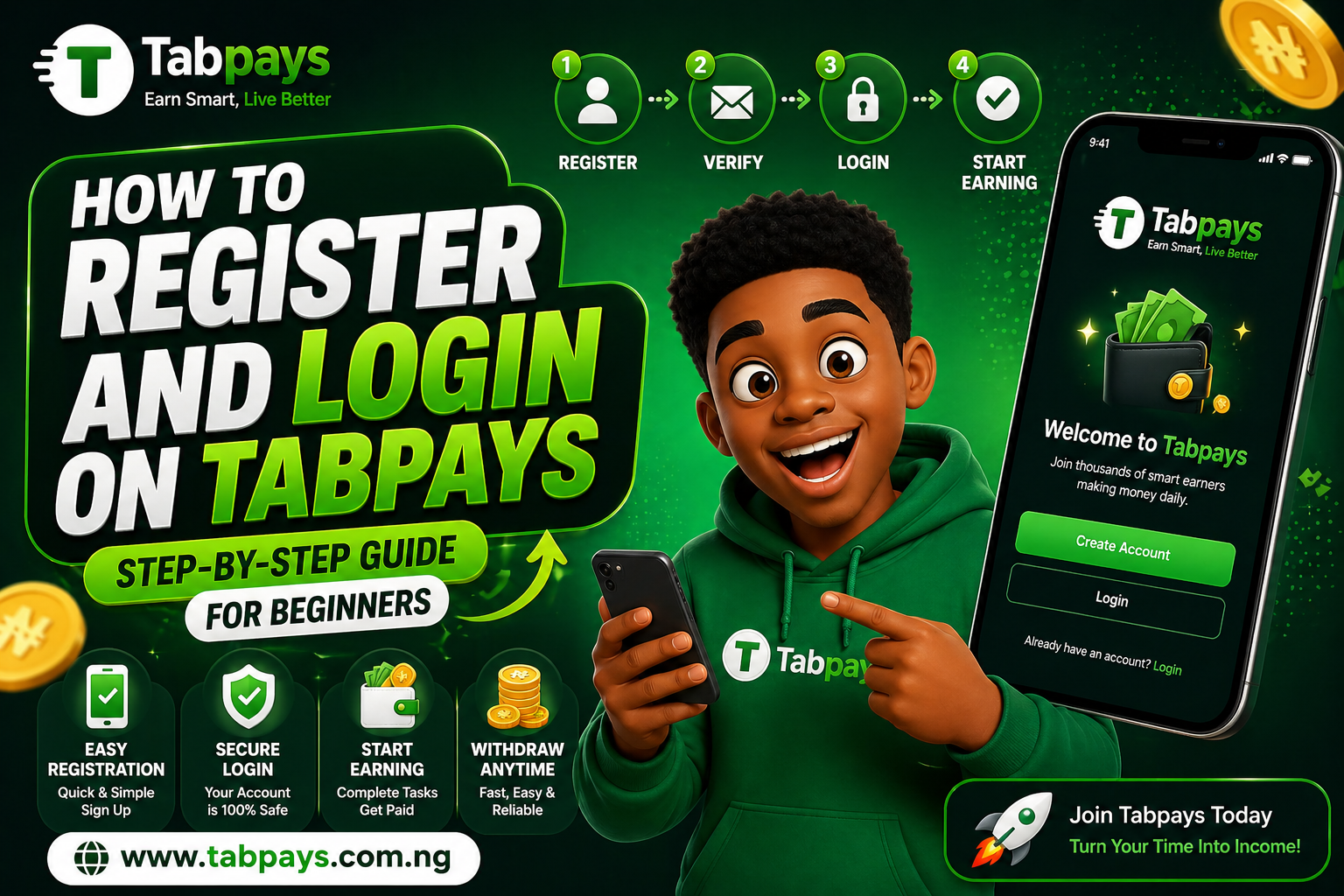
New to Tabpays? Start Here
Hello! Have you just heard about Tabpays from a friend or online and you're wondering how to get started?
You’re in the right place. This guide will walk you through the simple steps to create your account and start earning immediately.
Step-by-Step Guide to Register on Tabpays
Open a new browser tab and visit
Tabpays
or click
here
to go directly to the registration page.
Fill in your details correctly on the registration form. Make sure your password has at least five (5) characters for security.

Click on "Create Account". If your registration is successful, you will be redirected to the login page. You may also receive a confirmation via email.
If there is an error, you will be prompted to correct your details before proceeding.
How to Login to Your Tabpays Account
Download the Tabpays App on Google Playstore.

Enter your email and password on the login page.
Once your details are correct, you will be redirected straight to your dashboard where you can start earning.
If login fails, simply check your details and try again.
Note: Currently, login is done using your email. Future updates will allow login using mobile number or username for more flexibility.
What Happens After Login?
Once you’re inside your dashboard, you can immediately start earning by:
- Watching sponsored ads
- Completing simple daily tasks
- Engaging with available earning opportunities
The more active you are, the more you earn — it's that simple.
Start Earning on Tabpays Today
Your journey to earning online starts with just one step — creating your account.
Join Tabpays today and turn your screen time into real income.